
Have a service question? Explore garage door services and local service areas, or call to discuss the next step.
One control or every control?
The difference between a wall control that works and a handheld remote that does not is useful information. Note which devices respond, whether a lock feature appears active and whether the change followed a power interruption. Do not erase or reprogram all accessories as a first step. Compatibility is model-specific, and a generic replacement remote does not work with every operator. If the door itself has become heavy or uneven, stop use and put that mechanical change first in the call.
Compare ceiling space and access
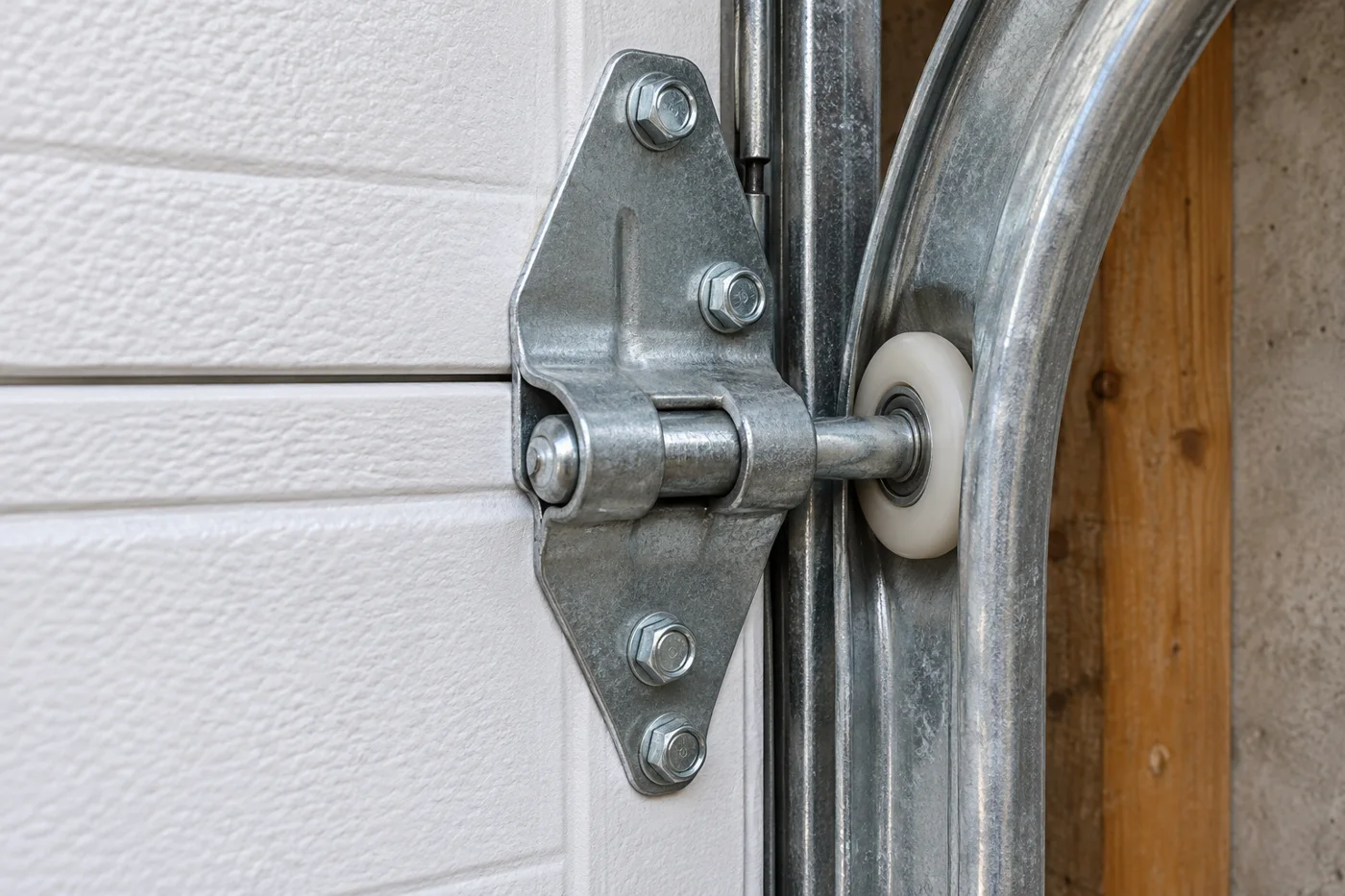
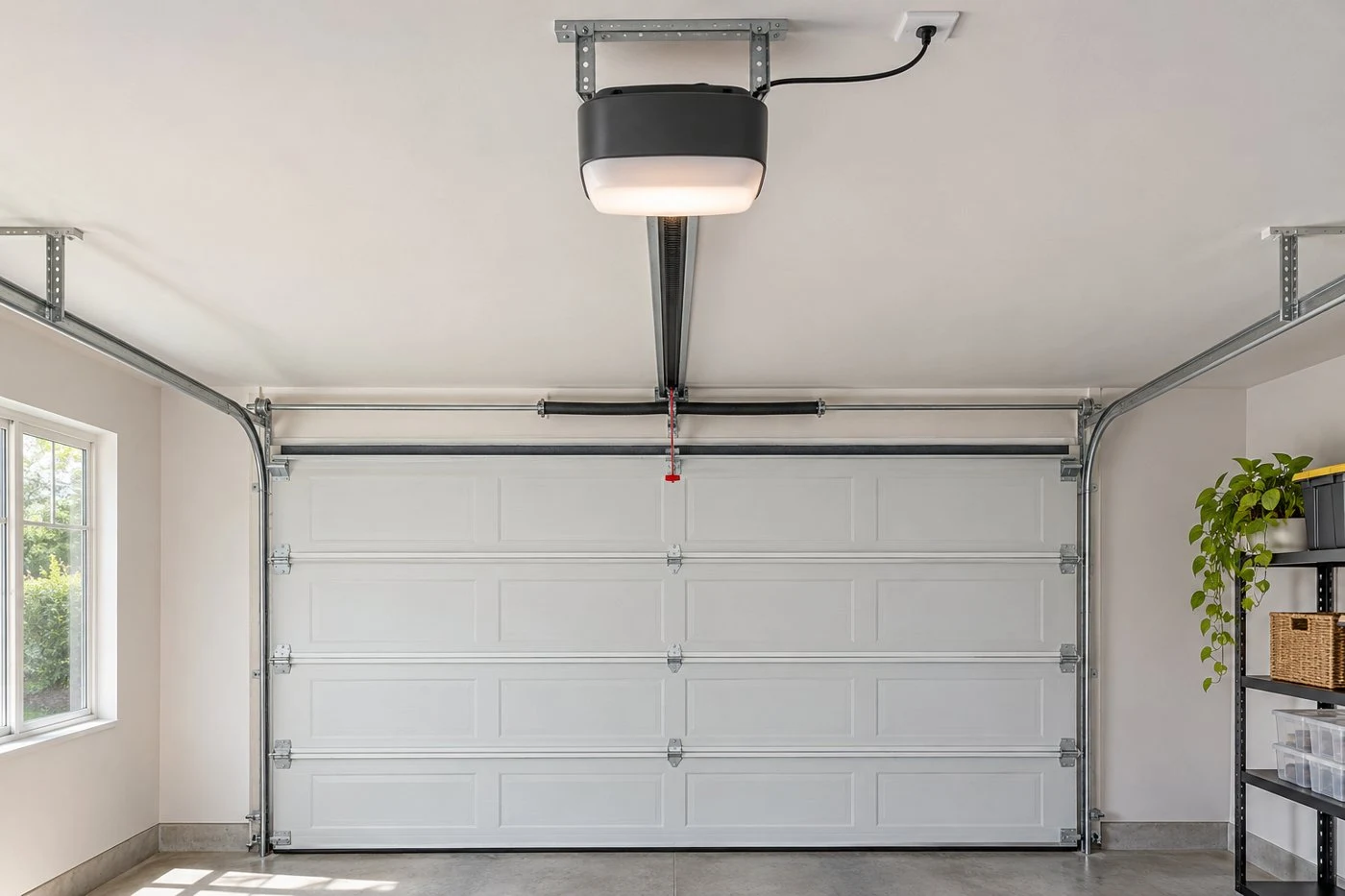
Look at how lighting, storage, beams and the ceiling shape use the space behind the opening. Describe what is there from the floor; leave final measurements and mounting decisions to the assessment. Mention whether the garage has another entrance and how you normally get in during a power interruption. Battery and release arrangements depend on the equipment and instructions. They should be discussed for the selected model rather than assumed from a feature name.
Put the opening and daily use in context
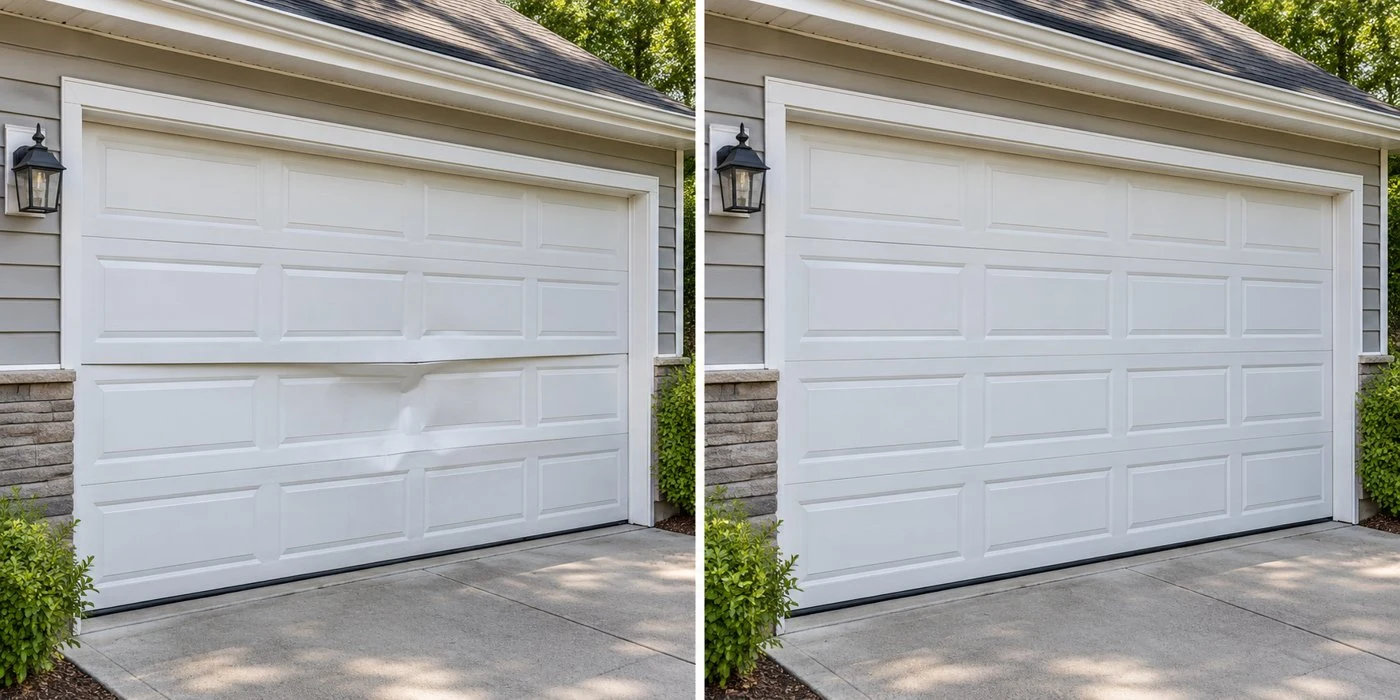
For a garage in Valparaiso and selected Northwest Indiana communities, explain the access route and the way the building is used. An attached garage with occupied rooms nearby raises different questions from a detached storage space. Low headroom, ceiling storage, a shared drive and a garage without another entrance are practical details to mention. If the request follows an impact or work on the driveway, say so. These observations help frame the scope without asking you to inspect loaded hardware or make a diagnosis.
Think through controls and compatibility
Handheld remotes, keypads, wall controls and connected accessories are not universally interchangeable. Have safely visible model details ready for existing equipment you hope to retain. Discuss who will use each control and whether a network connection is practical where the operator is mounted. App-based access can be convenient, but it also brings account, device and connectivity decisions. Keep the basic opening function and safety system central to the conversation.
Safety belongs in the installation scope
Photoelectric sensors and reversal features need to be installed and checked according to the actual model requirements. Keep the opening clear, store remotes away from children and use the wall control as intended by the manufacturer. Never bypass a safety device to make an incompatible or faulty setup work. Ask what user instructions and test guidance you will receive. If the existing door reverses unexpectedly, explain that symptom before assuming an operator upgrade alone is the solution.
A useful installation brief
Summarize the existing door, the reason for the new operator and the features that matter to you. Add any ceiling or access constraint and known operating faults. Ask which existing accessories remain compatible, what the assessment needs to confirm and how the work scope will be agreed. Keep the installed model information afterward so later maintenance or accessory questions start from the right instructions. Call 24/7 to discuss the request and appointment timing.
A short checklist for the conversation
Have five things ready: the door position, the change you noticed, any safely visible model information, access restrictions and the question you want answered. Separate urgent access needs from preferences for a future upgrade. Ask which parts of the system need assessment and what would be retained or changed. Confirm the service scope and appointment timing by phone. This guide is for recognition and planning; it is not an instruction to adjust springs, cables, loaded fixtures or safety systems.
Further reading
DASMA garage door system safety
CPSC: automatic garage door opener safety
Follow the instructions for the exact door and opener. This guide supports recognition and planning; leave loaded hardware and safety-system work to a suitable assessment.